You want to create automated rules in Search Ads 360 for all the campaigns that are linked to your agency, but you're unable to see all those campaigns. What's one reason why that could be happening
All accounts are managed within submanager accounts, and you have submanager account access.
Some accounts are managed within manager accounts, and you have campaign access.
Some accounts are managed within manager accounts, and you have submanager account access.
All accounts are managed within campaigns, and you have campaign-only access.
Google SkillShop Bundle. Includes answers for every real Google SkillShop certification exam.
All-in-One: Get all Google SkillShop exams answers with explanations in one bundle. This package includes answers for every current Google SkillShop Platform certification. Regular updates Free updates. -> See what's included.
Questions | Answers | Explanations. Free Lifetime Updates.
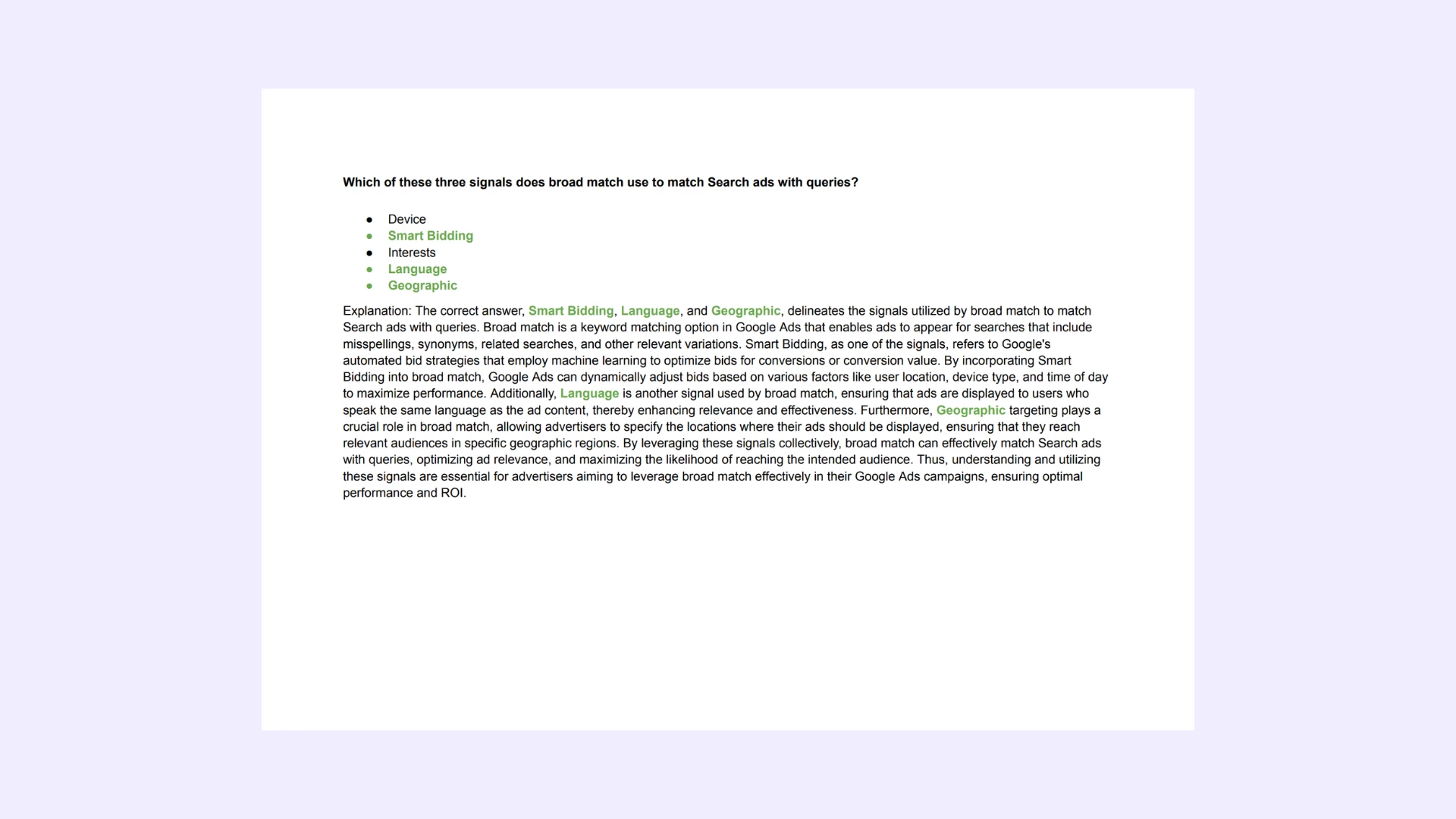
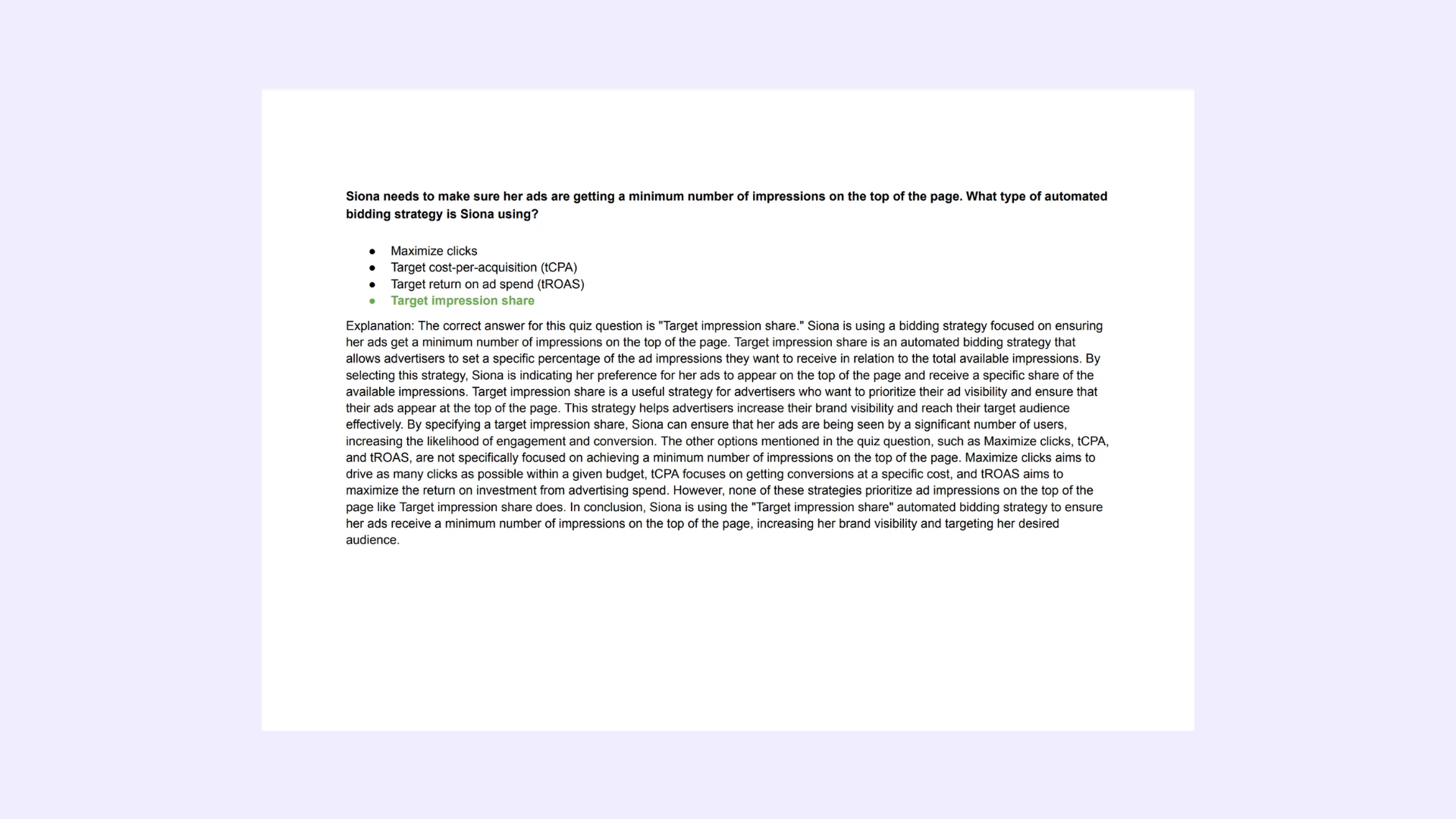
Need a single cerification exam answers? Check out our -> list of certification exams answer keys. Learn Smarter. Obtain or Renew your certificates with peace of mind!
Explanation: You want to create automated rules in Search Ads 360 for all the campaigns that are linked to your agency, but you’re unable to see all those campaigns. What’s one reason why that could be happening
Explanation: The reason you might be unable to see all the campaigns linked to your agency when creating automated rules in Search Ads 360 is that **some accounts are managed within manager accounts, and you have submanager account access.** In the account hierarchy of Search Ads 360, manager accounts have the authority to oversee multiple submanager accounts, each containing its set of campaigns. As a user with submanager account access, your visibility is limited to campaigns within the specific submanager account you have access to. If some accounts are managed directly within manager accounts, you won't have visibility unless you have submanager access to those specific accounts. This ensures a structured and secure hierarchy in managing advertising campaigns within Search Ads 360.
Google SkillShop Roll. Special Offer
Note: We conduct daily checks for updates on the exam, ensuring that the file contains the most recent questions from the actual certification program.
Questions | Answers | Explanations. FREE Updates.
Were do I find this certification program?
This certification program is available on the Google SkillShop Platform. With our file, you can get certified in just a few minutes. Free updates are included.
Save time on exams and spend more time practicing.
Best-value Guides
- Special Bundle Offer Google_Ads_Roll
- Special Bundle Offer HubSpot_Exams_Roll
- Special Bundle Offer Google_SkillShop_Roll
- Special Bundle Offer Marketing_Platforms_Roll